What is an OnChain Passport
Mint Your OnChain Passport works best as a clear sequence: define the constraint, compare the realistic options, test the tradeoff, and choose the path with the fewest hidden costs. That order keeps the advice usable instead of decorative. After each step, pause long enough to check whether the recommendation still fits the reader's actual situation. If it depends on perfect timing, unusual access, or a best-case budget, include a simpler fallback.
The simplest way to use this section is to write down the real constraint first, compare each option against it, and choose the path that still works outside ideal conditions.
Prepare Your Human Passport Score
You cannot mint an Onchain Passport without first establishing a baseline Humanity Score. The protocol requires a score of at least 20 before the minting function becomes available. This score is generated by the Gitcoin Passport application, which verifies your identity through a series of digital "Stamps".
Think of this score as your digital reputation. Without it, you are an anonymous node. With it, you are a verified participant eligible for the airdrop and future governance rights. The goal is to reach 20 points as quickly and securely as possible.
1. Connect Your Wallet
Start by visiting the Gitcoin Passport app. Click "Connect Wallet" and authorize the connection using your primary web3 wallet (such as MetaMask or Rabby). Ensure you are on the correct network (usually Ethereum Mainnet or Base) before proceeding. This link creates the wallet that will eventually hold your Passport NFT.
2. Complete Identity Stamps
The app will prompt you to verify your identity through various providers. Each successful verification adds a "Stamp" to your profile, increasing your score.
- Social Stamps: Connect your GitHub, LinkedIn, or ENS domain. These are often the easiest to obtain.
- Device Stamps: Install the Passport mobile app to verify you are a real human using a unique device.
- Document Stamps: Upload a government ID or use a privacy-preserving verification method if available in your region.
Prioritize stamps that offer the highest point value. A score of 20 is the threshold, but aiming for 30+ provides a buffer against future algorithm updates.
3. Verify Your Score
Once you have completed several verifications, return to the main dashboard. The app calculates your score in real time based on the "Passport Models" currently in effect. If your score is below 20, the "Mint" button will remain disabled or grayed out.
If your score is stuck, check for "failed" or "pending" stamps. Some providers take several minutes to process. Refresh the dashboard only after waiting 5-10 minutes to avoid rate-limiting your account.
4. Prepare for Minting
When your score hits 20+, you are technically ready to mint. However, ensure your wallet has enough ETH (or native token on the target chain) to cover the gas fees for the minting transaction. The minting step itself is the next phase; this preparation ensures you do not encounter errors when the window opens.
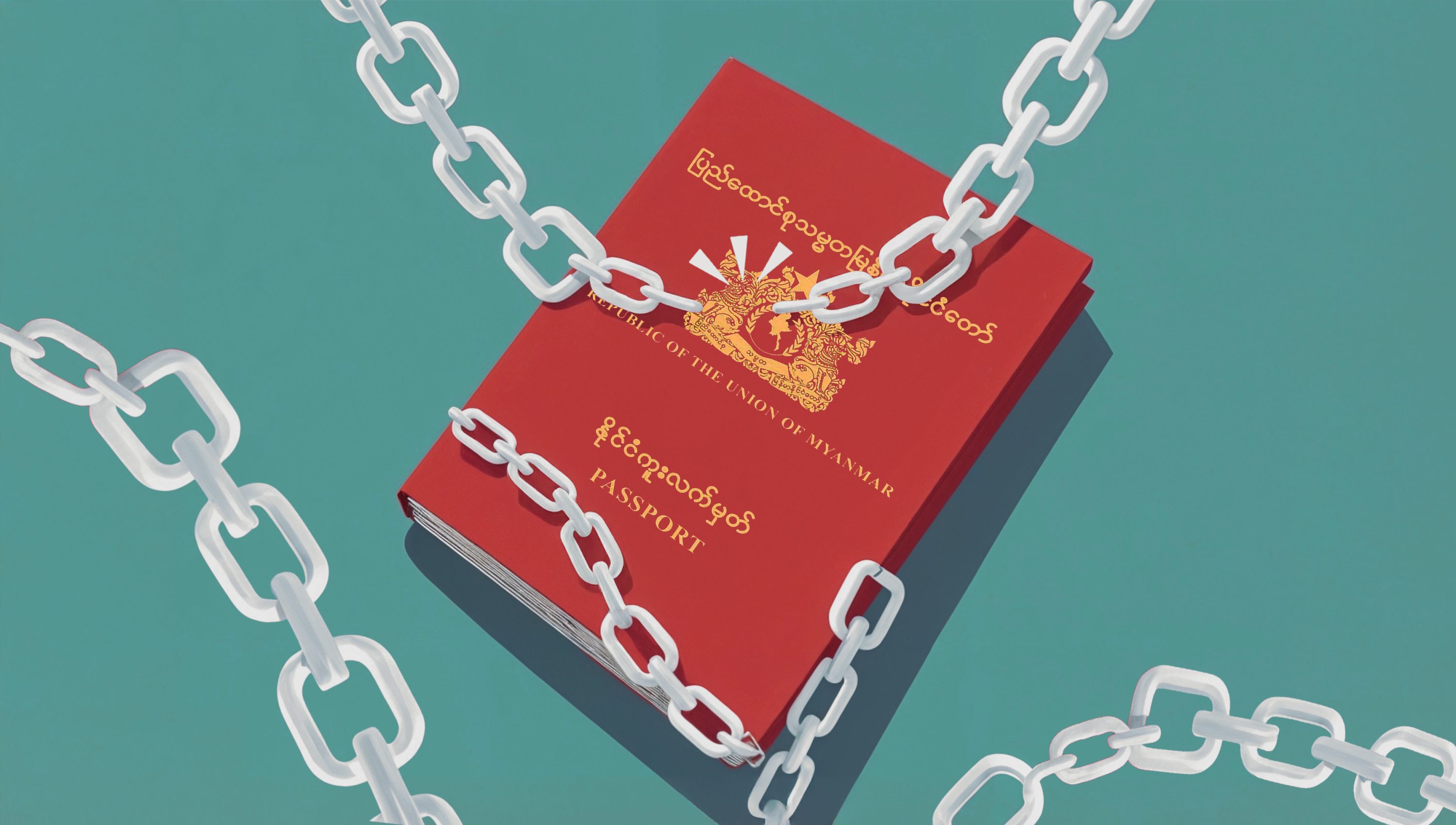
Link your web3 wallet to the Passport app. This establishes the identity anchor for your future Onchain Passport.
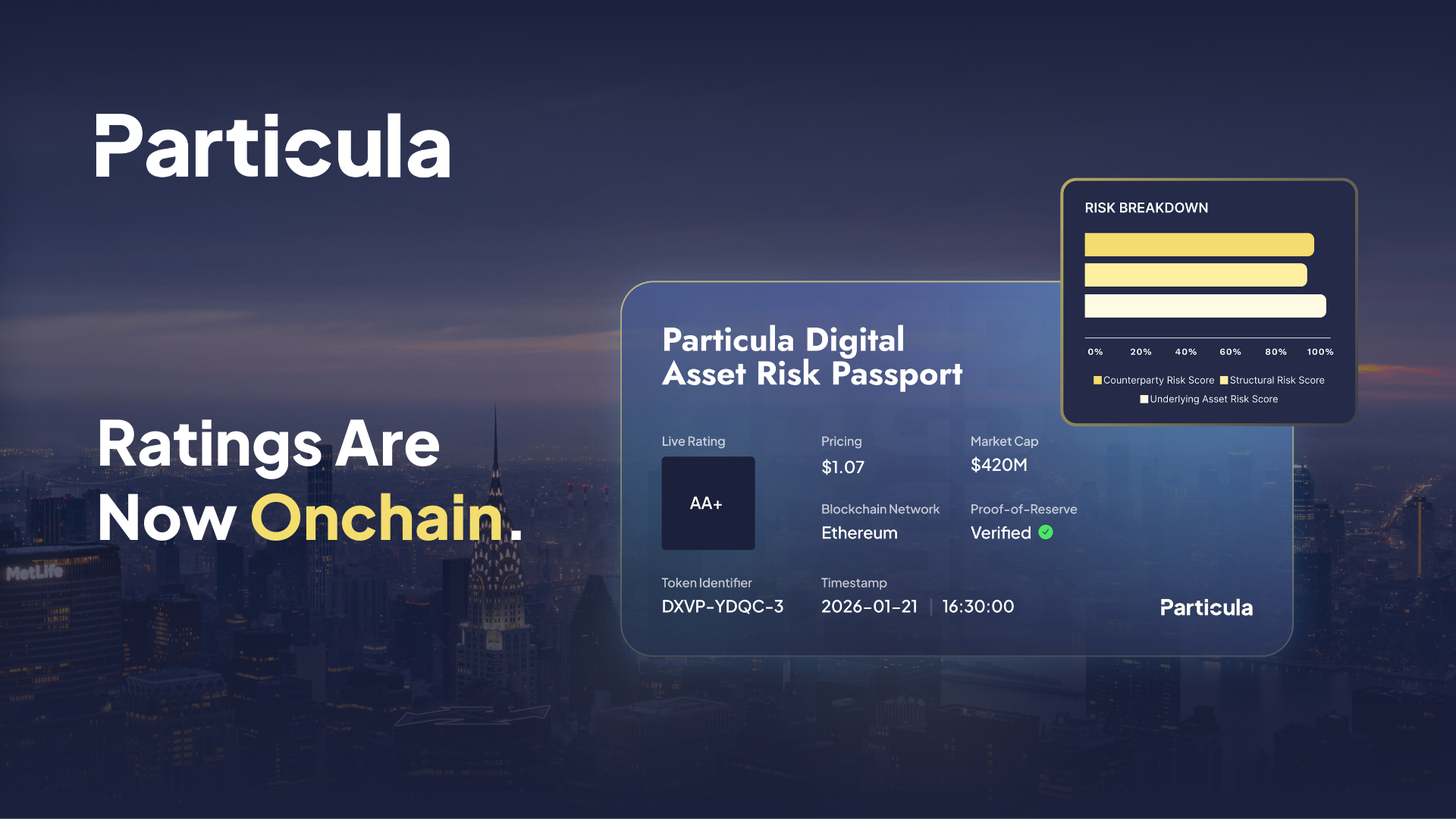
Verify identities via social, device, or document providers. Each stamp increases your Humanity Score toward the 20-point minimum.
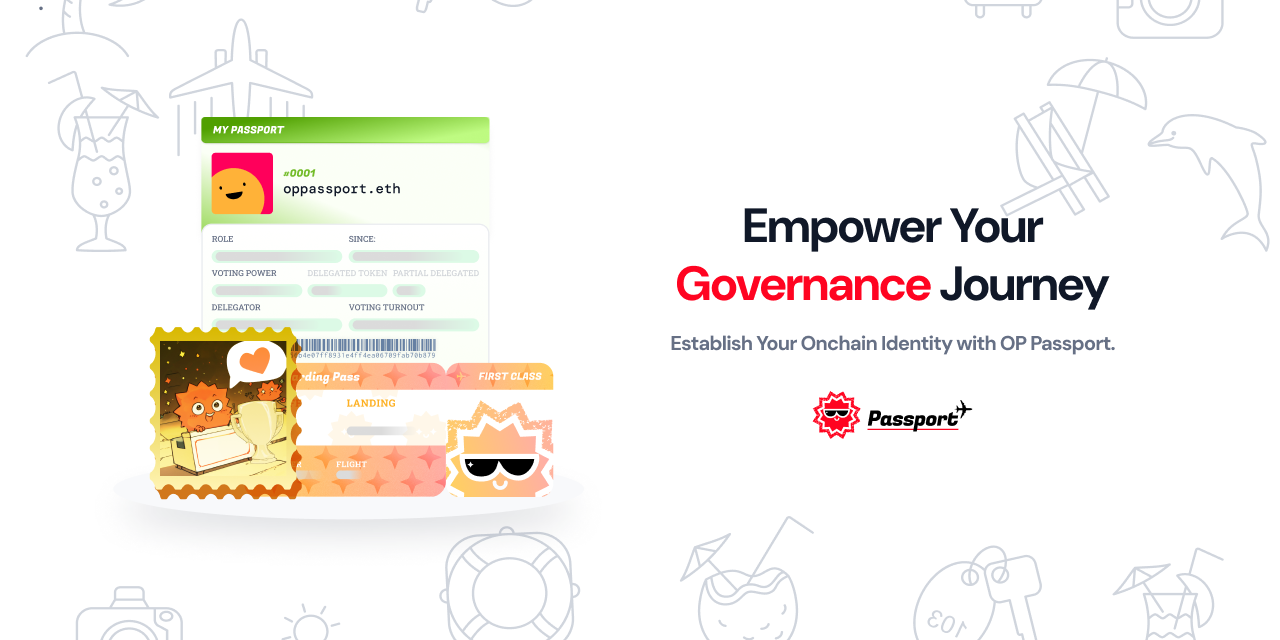
Ensure your score is ≥20 and your wallet has sufficient funds for gas fees. The mint button will activate only when both conditions are met.
Mint the Attestation on Ethereum
Mint Your OnChain Passport works best as a clear sequence: define the constraint, compare the realistic options, test the tradeoff, and choose the path with the fewest hidden costs. That order keeps the advice usable instead of decorative. After each step, pause long enough to check whether the recommendation still fits the reader's actual situation. If it depends on perfect timing, unusual access, or a best-case budget, include a simpler fallback.
Verify identity via smart contracts
Once your OnChain Passport is minted, the next step is enabling applications to read your attestation. Decentralized applications (dApps) interact with your identity through smart contracts rather than storing your personal data themselves. This architecture ensures that your raw information remains private while still allowing platforms to confirm your eligibility or reputation.
Platforms like Gitcoin Passport publish verification data on-chain. When a dApp needs to verify a user, it calls a smart contract to check if a valid attestation exists for that wallet address. The contract returns a boolean or a score, not a name or email. This process, known as zero-knowledge or selective disclosure verification, allows you to prove you are human or a legitimate holder without exposing your underlying identity documents.
To ensure your passport is readable by external services, you must verify that the attestation is correctly linked to your wallet and accessible via standard interfaces. Use the following checklist to confirm your setup is ready for integration.
-
Confirm your wallet address matches the one used to mint the passport.
-
Check that the attestation status is 'active' or 'verified' in the explorer.
-
Test the smart contract interaction using a dApp that supports Passport verification.
-
Ensure your privacy settings allow the specific dApp to read the required score.
This method protects your data. Instead of uploading ID photos to every website you visit, your identity lives in the blockchain. The smart contract acts as a trusted verifier, confirming your credentials without revealing the source. This is the foundation of a self-sovereign digital identity.
Common mistakes when minting
Minting your onchain passport is straightforward, but a few avoidable errors can stall the process or result in a worthless attestation. The Ethereum Attestation Service (EAS) handles the heavy lifting, but the on-ramp requires precision. Check your wallet balance, verify your Humanity Score, and select the correct schema before you sign.
Insufficient gas fees
You cannot mint without ETH (or the native token of your chosen L2) to cover transaction costs. A common pitfall is assuming the mint is free because the attestation itself has no fee. Gas prices fluctuate based on network congestion. If your wallet balance is too low, the transaction will revert, and you will waste time resubmitting. Always keep a small buffer of native currency in your wallet.
Wrong schema selection
The onchain passport relies on specific EAS schemas to ensure data compatibility across the ecosystem. Selecting the wrong schema—such as a generic proof-of-personhood template instead of the official Gitcoin Passport schema—creates an attestation that other protocols cannot read. This renders your passport useless for airdrops or governance voting. Double-check that you are using the official schema ID provided in the documentation.
Minting before reaching the required score
Your Humanity Score determines your eligibility for certain benefits. Minting a passport with a score below the threshold (often 10 or higher, depending on the use case) is a waste of gas. It creates a permanent onchain record that signals low trustworthiness to other protocols. Wait until you have accumulated enough trusted sources to meet the minimum requirement before initiating the mint.
Common onchain passport setup: what to check next
Before you finalize your mint, address these practical concerns regarding cost, security, and platform choice.
Is Gitcoin Passport free to use?
Yes. Minting your OnChain Passport is free. The process uses the Ethereum Attestation Service (EAS) to create a verifiable attestation of your data on the blockchain. While the mint itself costs nothing, you will still need to pay standard Ethereum network gas fees for any on-chain transactions. You do not need to purchase a specific token to participate.
Are OnChain wallets safe?
Security depends on your personal practices. An OnChain Passport does not hold funds, so it cannot be directly stolen like a crypto wallet. However, it links to your wallet address and stores verifiable credentials. Keep your private keys secure and never share your seed phrase. The Passport system is designed to protect you from bad actors by verifying unique humanity, but you remain responsible for your wallet’s security.
What is the best Passport for crypto?
The Human Passport (formerly Gitcoin Passport) is the most widely adopted Proof of Personhood tool in the crypto ecosystem. It offers a unique Humanity Score that helps projects verify that users are real humans rather than bots or sybil attackers. Many decentralized applications and airdrop campaigns require or prioritize this specific Passport to ensure fair participation.
What is a Bitcoin Passport?
The term often refers to the same Human Passport infrastructure, as it is built on Ethereum but widely used across the broader crypto and Bitcoin communities. It serves as a decentralized identity layer that works across multiple chains. If you are looking for a "Bitcoin Passport," you are likely looking for a way to prove your unique identity on-chain, which the Human Passport facilitates.
No comments yet. Be the first to share your thoughts!