What is an onchain passport
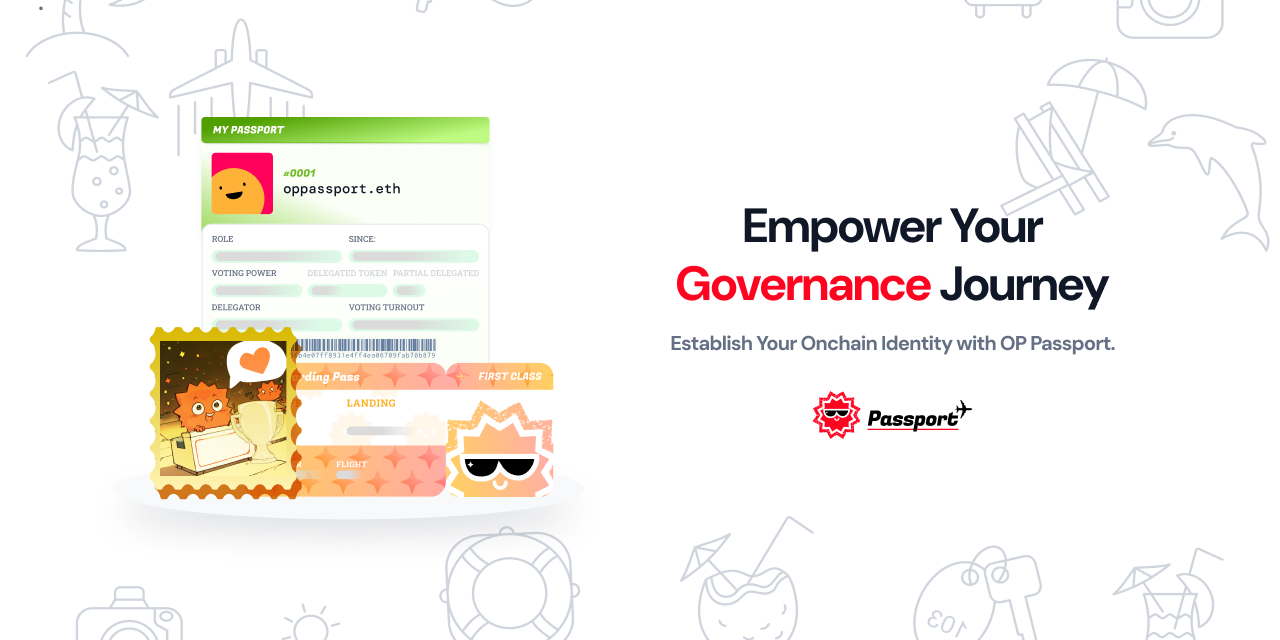
An onchain passport is a verifiable credential stored on the blockchain that proves your unique identity without exposing your personal data. Unlike traditional KYC processes that require handing over government IDs to centralized servers, an onchain passport allows you to retain full control over your information. It functions as a cryptographic proof of "proof of personhood," ensuring that you are a real, unique human without revealing who you are.
The system works by aggregating signals from your digital life—such as linked social accounts, transaction history, and wallet interactions—into a single, portable credential. This data is then attested to using the Ethereum Attestation Service (EAS), creating a tamper-proof record on-chain. This approach shifts the power dynamic: instead of trusting a central authority to safeguard your data, you can present selective, zero-knowledge proofs to applications that need to verify you are human.
By keeping sensitive details off-chain and only storing the cryptographic proof on-chain, the onchain passport minimizes privacy risks. You can use this credential to access decentralized applications, participate in governance, or verify eligibility for airdrops without the friction and security vulnerabilities of traditional identity verification methods.
Prepare your wallet and gather stamps
Before you can mint your onchain passport, you need a funded web3 wallet and a humanity score of 20 or higher. This score proves you are a unique human rather than a bot, which is the core requirement for cross-chain verification. The process is straightforward: connect your wallet, collect verified "stamps" from trusted providers, and ensure your total score meets the threshold.

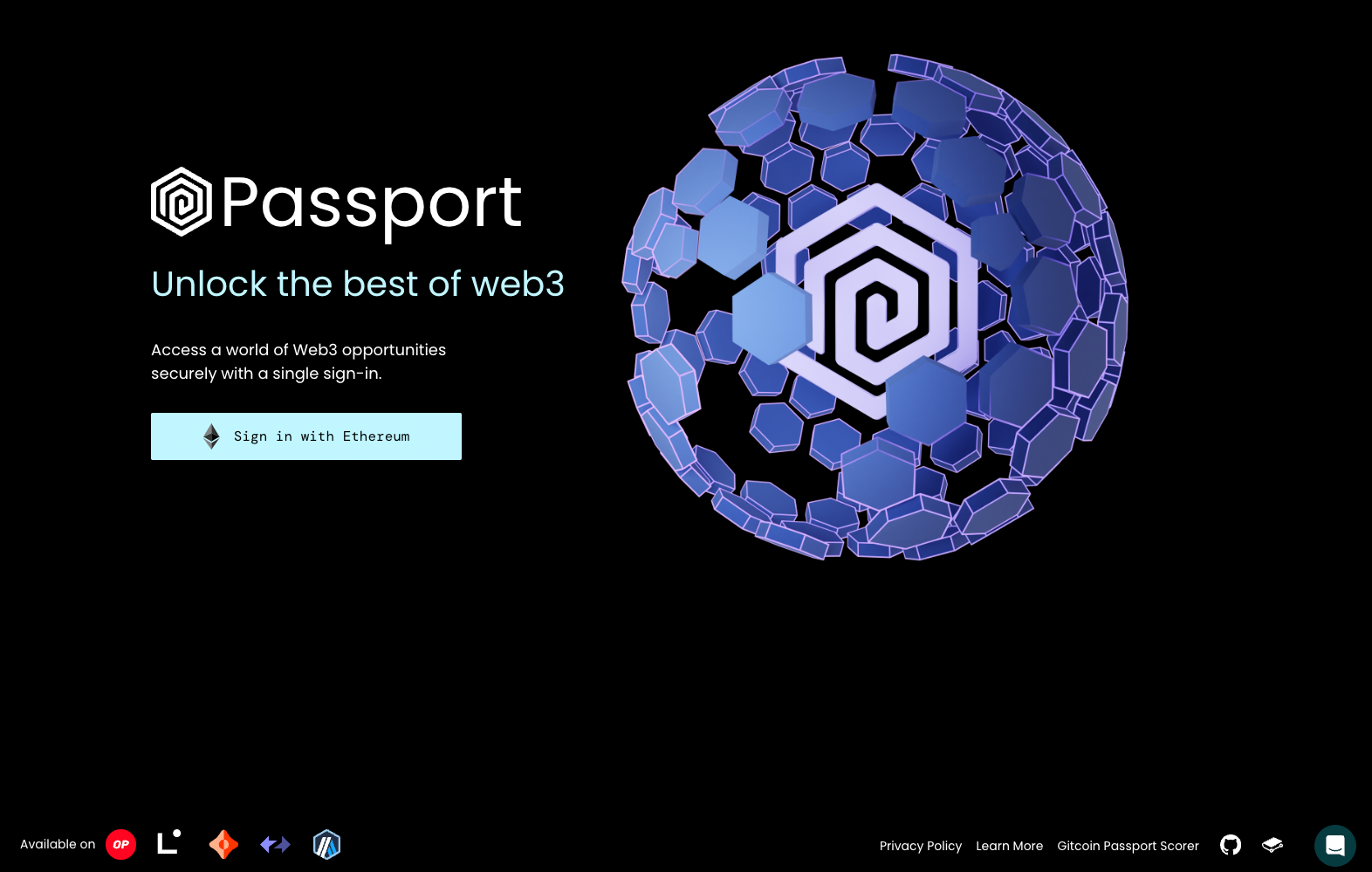
Navigate to the official Passport application and click "Connect your wallet." This action links your existing crypto wallet (such as MetaMask or WalletConnect) to the Passport dashboard. Ensure you are on the legitimate domain to avoid phishing sites. This connection allows the protocol to read your wallet address and begin verifying your identity without exposing private keys.
A "stamp" is a verified action that proves a specific aspect of your identity or reputation. You can earn stamps by connecting social media accounts, verifying your phone number, or linking GitHub profiles. Each stamp adds points to your humanity score. Aim for diverse providers to maximize your score quickly, as some stamps carry more weight than others.
Your humanity score is the sum of all verified stamps. You must reach at least 20 points to be considered a unique human. If your score is too low, return to the stamp collection page and add more verifications. This threshold is critical because it prevents sybil attacks and ensures that only real humans can mint the final onchain passport.
Once your score hits 20, you are ready for the minting phase. The verified data is stored onchain, making it portable across different blockchains for future verification needs.
Mint your attestation on Ethereum
Minting your Onchain Passport moves your identity data from Gitcoin’s off-chain scoring engine onto the Ethereum blockchain. This process uses the Ethereum Attestation Service (EAS) to create a permanent, verifiable record that smart contracts can read directly. Once minted, your passport exists as an immutable attestation, allowing dApps to verify your human status without relying on centralized servers.
The minting process is straightforward but requires a small amount of Ethereum gas to process the transaction. You do not need to pay for the data storage itself, only the network fee to write the attestation to the chain. This ensures that your identity record is secure and resistant to tampering.
Navigate to the official Onchain Passport interface and connect your Web3 wallet. Ensure you are on the Ethereum mainnet or the supported testnet, as the attestation contract is deployed to specific chains. The interface will display your current Gitcoin Passport score to confirm you are eligible.
Click the mint button to generate the transaction. The system will package your passport data into an EAS attestation. Review the gas fee estimate in your wallet popup. This step does not expose your private keys; it only signs the transaction to publish the attestation on-chain.
After confirming the transaction, wait for the blockchain to process the block. This usually takes a few seconds to a minute. Once confirmed, your attestation is live. You can now share your attestation ID with any dApp that supports EAS verification.
The resulting attestation is a lightweight proof of your identity. It does not store sensitive personal data on-chain, but rather a cryptographic commitment to your passport score. This allows you to access high-quality, permissionless verification across the ecosystem, as highlighted by Gitcoin Passport developers. Your identity is now portable, verifiable, and owned by you.
Use your passport for cross-chain access
Once your onchain passport is minted, the goal shifts from creation to utility. Decentralized applications (dApps) and platforms read your attestation to grant access, enabling self-sovereign identity across different chains without requiring you to create new accounts on every protocol.
Step 1: Connect your wallet to the target dApp
Begin by connecting your Web3 wallet to the platform where you want to use your passport. Most modern dApps recognize standard signature requests. When prompted, sign the message that links your wallet address to your passport identity. This step establishes the initial cryptographic proof that you control the identity you are presenting.
Connect your wallet to the dApp. Sign the authentication request to bind your address to your passport identity. This signature serves as the initial proof of control.
The dApp queries the blockchain for your passport’s onchain attestation. This data, stored as verified Stamps and scores, confirms your identity status. As noted in official documentation, this functionality makes your verified data available via smart contracts for immediate use.
The platform evaluates your passport score against its access rules. If your score meets the threshold, you are granted entry. This process guarantees asset ownership and access rights without revealing unnecessary private information.
Step 2: Verify your passport works across platforms
To ensure your passport is functioning correctly for cross-chain verification, perform these quick checks:
-
Confirm your wallet is connected to the dApp.
-
Verify the attestation data appears in the dApp’s identity panel.
-
Test access by interacting with a restricted feature or token.
-
Check that your passport score is updated and visible.
By following these steps, you can seamlessly use your onchain passport to access multiple platforms, maintaining control over your identity while proving your credibility across the decentralized ecosystem.
Common mistakes when minting passports
Minting your onchain passport is the final step in proving your unique human identity, but rushing the process can lead to failed attestations or wasted gas fees. Most errors stem from skipping verification prerequisites rather than technical glitches. Follow these checks to ensure your attestation goes through smoothly.
Insufficient humanity scores
Your passport score determines your eligibility for certain benefits, but it does not prevent minting. However, a low score often means your stamps are outdated or unverified. Before minting, refresh your stamps by visiting new providers and completing any pending verification steps. An outdated score reflects stale data, not necessarily a lack of humanity. Ensure all active stamps show a "verified" status to maintain an accurate representation of your digital identity.
Wrong network selection
The onchain passport is minted as an attestation on the Ethereum Attestation Service (EAS). Selecting the wrong network or chain during the wallet connection phase can cause the transaction to fail or be sent to an unmonitored address. Always verify that your wallet is connected to the Ethereum mainnet or the specific L2 supported by the attestation contract. Double-check the network icon in your wallet interface before signing the transaction to avoid losing your attestation.
Failing to update stamps
Stamps that have expired or been revoked will not contribute to your current humanity score. If you recently changed your email, phone number, or social media account, your previous stamps may no longer be valid. Re-verify these identity signals in the Gitcoin Passport interface before initiating the mint. Relying on stale credentials can result in an attestation that fails to reflect your true identity, potentially disqualifying you from future airdrops or governance votes.
Frequently asked questions about onchain passports
Understanding the mechanics and costs of digital identity verification helps you avoid unnecessary fees and privacy leaks. Below are the most common questions regarding onchain passports.
These clarifications separate the security layer (hardware wallets) from the reputation layer (identity passports), ensuring you choose the right tool for your verification needs.
No comments yet. Be the first to share your thoughts!