
Get your onchain passport right
Before you mint an onchain passport, you need to ensure your digital infrastructure is secure and compatible. This process creates a permanent, verifiable record of your identity on the blockchain. If you skip these checks, you risk creating unclaimable attestations or exposing your data to unnecessary risks.
Verify your wallet compatibility
An onchain passport relies on the Ethereum Attestation Service (EAS) to store your verified data. You must use a non-custodial wallet that supports EAS interactions. If your wallet cannot sign EIP-712 typed data, the attestation will fail. Avoid wallets that are known to have poor security practices or that encourage risky connections.
Prepare your identity data
Your onchain passport is only as good as the data you provide. Gather the proofs you intend to use, such as GitHub contributions or LinkedIn connections. Ensure your accounts are public and accessible, as verifiers need to see them. Keep your digital footprint clean; removing evidence later can invalidate future attestations.
Understand the permanence
Once minted, an onchain passport is immutable. You cannot delete the attestation from the blockchain, though you can revoke it. Treat this like a real passport: do not include sensitive personal information like your home address or social security number. Only attest to what you are willing to share publicly forever.
Check the gas fees
Minting an onchain passport requires a transaction fee. This cost varies based on network congestion. Check the current gas prices on Ethereum mainnet or a supported layer-2 network. If fees are high, consider waiting or using a more efficient network if your wallet supports it.
Review the attestation schema
Before you sign, review the schema being used. Different projects may require different data points. Ensure the schema matches your needs. If you are using a specific platform like Human Protocol, follow their specific instructions for data submission.
Backup your seed phrase
Since your passport is tied to your wallet, securing your seed phrase is critical. If you lose access to your wallet, you lose your onchain identity. Store your seed phrase offline and securely. Never share it with anyone, including support teams.
Test with a small transaction
If you are new to onchain interactions, test with a small transaction first. This helps you understand the process and ensures your wallet is configured correctly. Once you are comfortable, you can proceed with minting your onchain passport.
Work through the steps
Creating your Onchain Passport involves three main actions: gathering verifiable credentials, minting the attestation, and storing it securely. This process uses the Ethereum Attestation Service (EAS) to anchor your data on the blockchain, ensuring that your identity proofs are tamper-evident and portable.

Before minting, you must gather the proofs that make up your identity. Connect your wallet to the Passport dashboard and follow the prompts to verify your real-world attributes. Common credentials include a driver’s license, a utility bill, or proof of residency. Each verification is issued as a Verifiable Credential (VC) by a trusted issuer. Without these underlying VCs, the onchain attestation will remain empty.

Once your credentials are verified, proceed to the minting stage. This step creates a single, composite attestation on the Ethereum blockchain that references your verified data. The process typically costs a small gas fee. During this step, you authorize the smart contract to publish the attestation. This action is irreversible; the record will remain on the blockchain permanently.
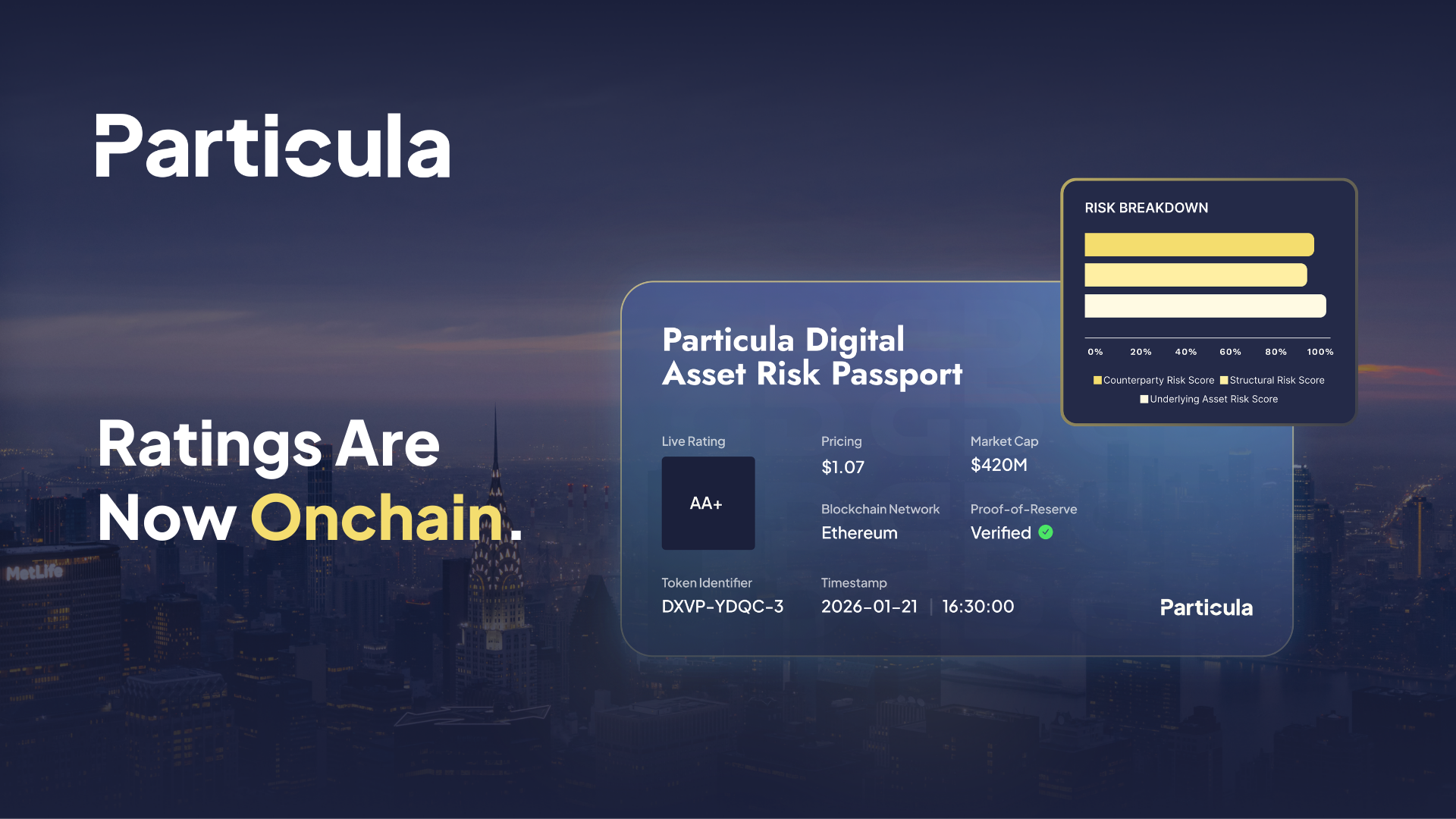
After minting, your Passport is ready for use. You can store the attestation in your wallet or a dedicated identity manager. Many Web3 applications now recognize this standard, allowing you to log in without revealing unnecessary personal data. Keep your private keys secure, as losing them means losing access to your identity proofs. You can update or revoke credentials later if your information changes.
Fix common mistakes
OnChain Passport troubleshooting should start with a clear boundary: what is actually broken, and what still works normally. Check the display, network connection, paired devices, app access, and recent updates before assuming the whole system needs a reset. A small connection failure can make the main screen feel unreliable even when the core system is fine. Work from low-risk checks to deeper resets. Confirm power state, safe parking, account access, and signal first. Then restart the interface, wait for it to reload completely, and test the original symptom. Avoid changing multiple settings at once because that makes it harder to know which step actually fixed the problem. If the issue affects safety information, repeats after every restart, or appears with warning messages, treat the reset as a temporary diagnostic step rather than the final fix. Document the symptom and move to official support instead of stacking more DIY attempts.
The simplest way to use this section is to keep the setup small, verify each change, and record the stable configuration before adding optional accessories.
Onchain passport: what to check next
Here are practical answers to the most common objections about decentralized identity and verification.
No comments yet. Be the first to share your thoughts!